Studio · PNG
A page, a card, a finished frame.
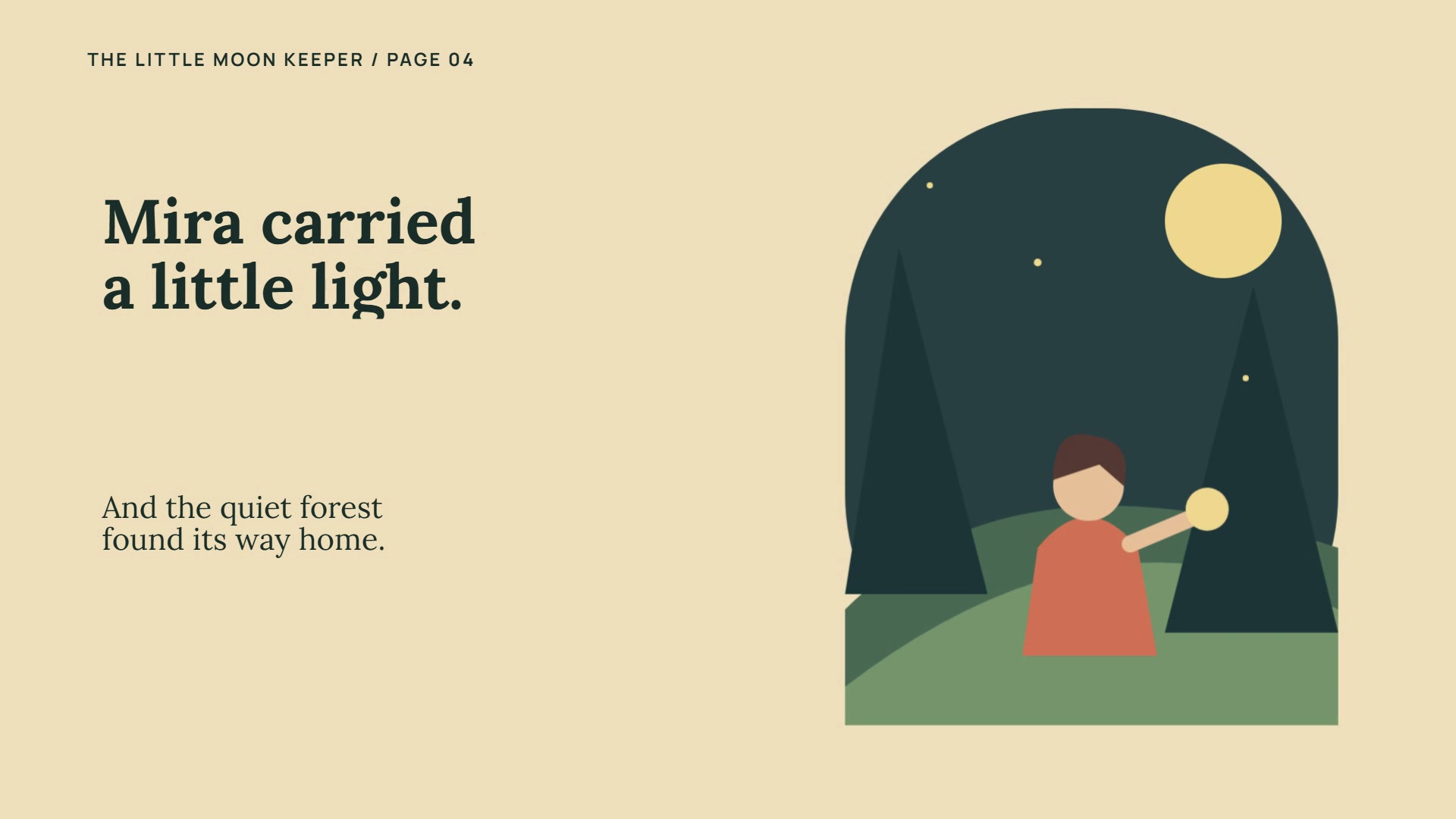
Export a complete frame for each beat. Use PNG for illustrated pages, social carousel posts, flyers, contact cards or a still from an animated project. Check the final text and image crop on every page.
Studio
Start with a storybook, logo reveal, product campaign, lesson or design. Use prompts and native controls for images, fonts, layers, motion and audio. Choose your export after you shape the story.
62 ways to begin
Explore all seven Create categories. In Studio, search a tile, choose your format and start with an editable outline or customize it with a prompt.
Write stories or explanations, add illustrations, edit pages and export a PDF or page-turn reader.
A cover, illustrated pages and a gentle ending.
A calm read-aloud story with room for narration.
Character, challenge, choice and a memorable lesson.
A quest told through clear, cinematic chapters.
One concept per page, with space for pictures and a recap.
A panel-by-panel story with editable dialogue.
A cover, photo chapters, captions and a closing note.
Tell your origin, values, craft and next chapter.
Build an illustrated book as design pages for PDF and PNG.
A polished short video with message, proof, CTA, voice, and music.
Build a walkthrough from recordings and feature callouts.
Introduce a service, its benefits and how to book.
A reveal, close-up details, benefits and launch date.
A headline offer, selected products and clear terms.
Show the exterior, rooms, features and viewing details.
Introduce your menu, signature dish and booking details.
A quote, its context and the result—using your real evidence.
The brief, your process, the work and the outcome.
Problem, solution, evidence, business model and next step.
Birthday, get well, thank you, farewell, invitation
A vertical hook, three quick moments and a closing line.
A cover and swipe-style pages for a still-image sequence.
Share news with a strong headline and practical details.
One quote, a clear attribution and expressive type.
Editable numbered beats leading to an event or reveal.
Introduce the change, compare the views and explain it.
Personal memories, photos and a heartfelt closing message.
Upload a logo, separate its parts and choreograph a reveal.
Move product images left, right, vertically or around an orbit.
Fill big letters with moving footage.
Remove a background, replace it or fill a silhouette.
Import a vector animation and control its playback.
Add a 3D model, light it and set its rotation.
Animate colour, distortion and transitions between images.
Animate words with timing, font and entrance controls.
Reveal a title or image through splits and opening boxes.
Reveal content through a changing mask silhouette.
Place objects and draw their position, scale and rotation over time.
Introduce a speaker or highlight a key detail on footage.
A designed page ready for PNG, PDF, animation, and a living share page.
Contact, logo, QR, and shareable card layouts for digital or print.
A clear heading, items, prices and contact details.
Recognise a person, achievement, date and issuer.
A wide headline, visual and one clear action.
Event name, date, venue and admission details.
A scannable offer with conditions and redemption details.
An expressive headline with editable type and imagery.
Explain one idea with diagrams, text animation, voice, and clear beats.
An introduction, materials, steps and a useful recap.
A learning goal, concept, example, practice and recap.
Welcome people, explain the workflow and share next steps.
Present a key number, comparison and takeaway.
Show a sequence from input to outcome.
Generate one image, refine it, save it to the library, then use it as a background or picture layer.
Choose a soundtrack for your project.
Upload a clip, then add cuts, zooms, captions, overlays, voice, and music.
Upload a photo and crop, adjust, mask or apply image operations.
Arrange photos into a sequence with captions and music.
Build scenes around your own recorded or uploaded narration.
Pair your soundtrack with animated titles and imagery.
Mix voice, music and effects with volume envelopes.
Start with one editable scene and build your own idea.
Editable starters provide structure and sample text; bring or create your illustrations, footage and audio separately. Selecting a starter does not generate media. Generation and export options depend on your plan.
Export availability depends on the project format and your plan. Transparent animation uses WebM or MOV with a transparent background.
The default motion file. Voice, music, and four social sizes.
02 GIF Silent stingA short loop for chats, docs, and posts that autoplay.
03 PNG Pages & stillsA finished frame from each beat: storybook pages, social carousel designs, flyers or cards.
04 PDF Printable pagesPrintable storybooks, handouts, posters and contact designs.
05 Video Your clip, sound onTrim and arrange your footage with text, images, movement and audio.
Kinds of work
See practical starting points for your audience, with starter suggestions and example briefs to adapt.
Studio · MP4
Build a product story, animated book, logo reveal or lesson from editable beats. Add pictures, footage, voice and music. Review landscape, portrait, square or 4:5 before exporting.
Studio · GIF
No audio. Fifteen frames a second. Best for a 3–8 second sting — a number, a logo, a hook that plays itself in a chat or a README.
Studio · PNG
Export a complete frame for each beat. Use PNG for illustrated pages, social carousel posts, flyers, contact cards or a still from an animated project. Check the final text and image crop on every page.
Studio · PDF
Create a printable storybook, handout, invitation or poster. Book from prompt writes editable stories or illustrated explanations, with uploads, library images or generation through your configured service. Book mode exports selectable PDF text and a separate page-turn HTML reader. Other design projects capture each complete beat as a PDF page. Review every page before export; availability follows your plan. This is a page-based PDF, not an EPUB or print-shop imposition tool.
Studio · Video
Upload MP4, WebM or MOV, then work with a source window of up to 30 seconds per imported clip. Trim and arrange beats, choose contain or fill, and add zoom, colour, titles, image layers and audio. Preview the full sequence before export.