Silvvo

Motion studio

Write it.
Speak it.
Finish the video.

Describe a moment in plain English, record your voice, and Silvvo finishes the picture and the sound. One story becomes a video you can post or send — in the size you need.

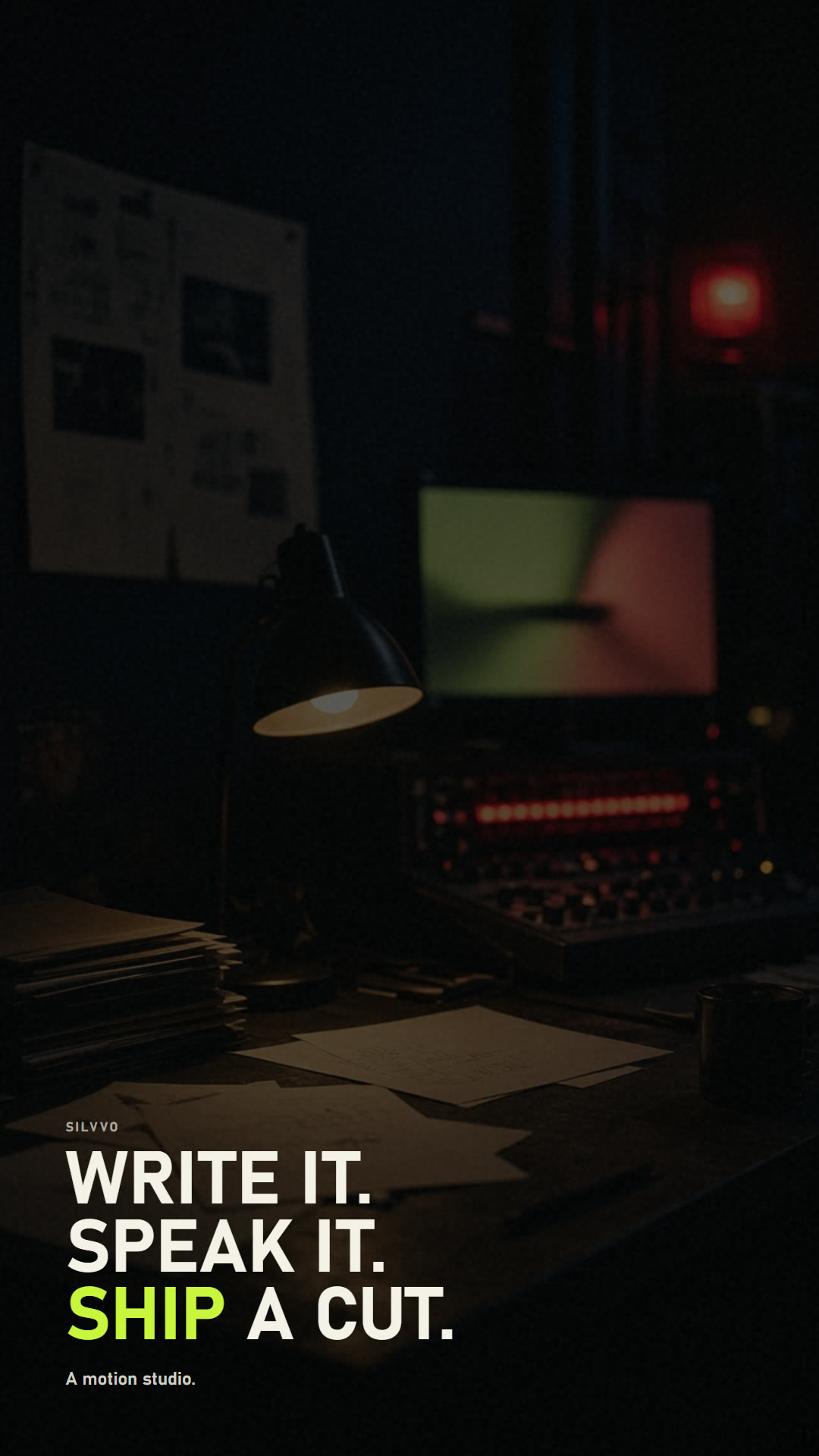
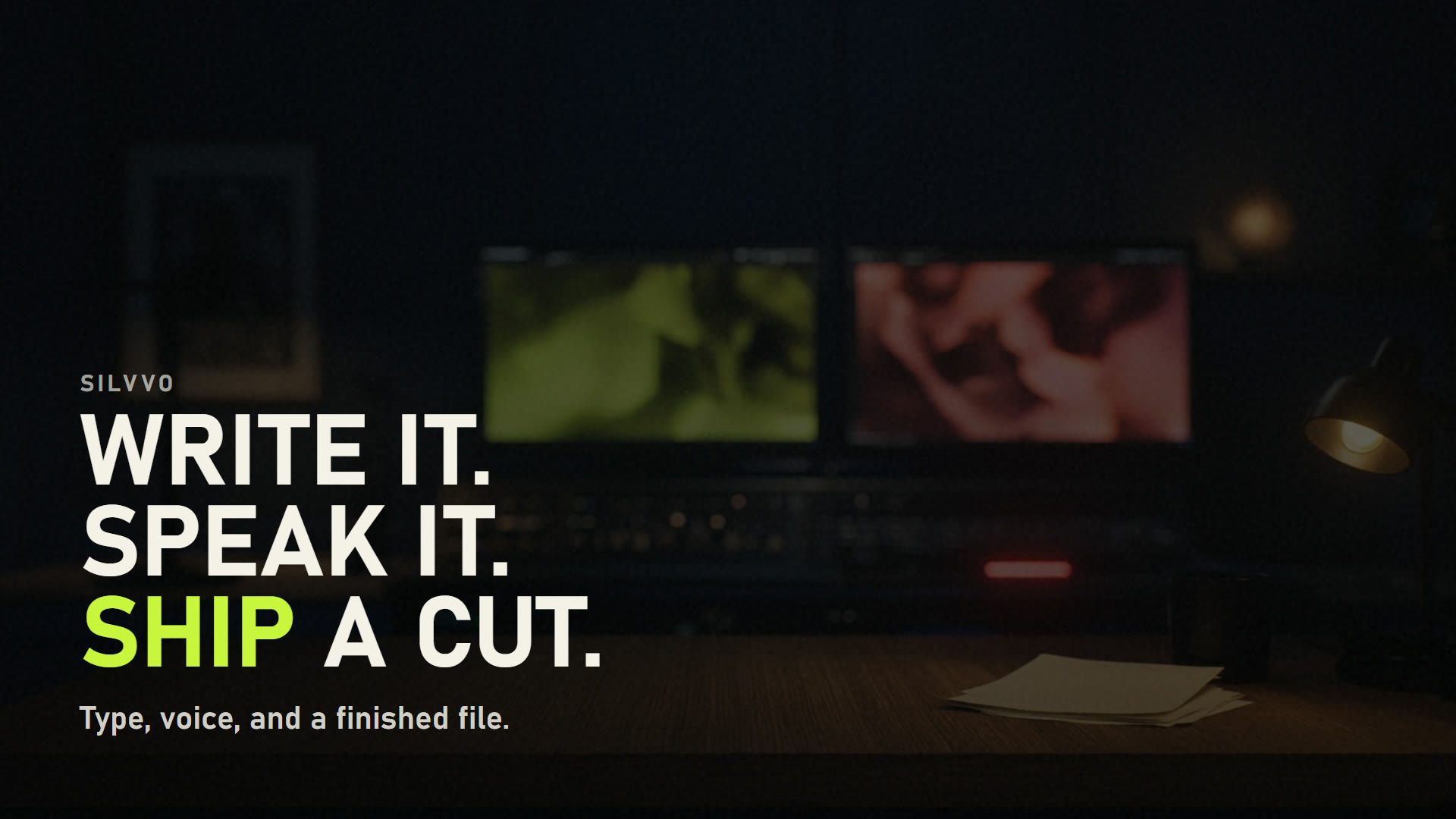
Hero frame from Silvvo
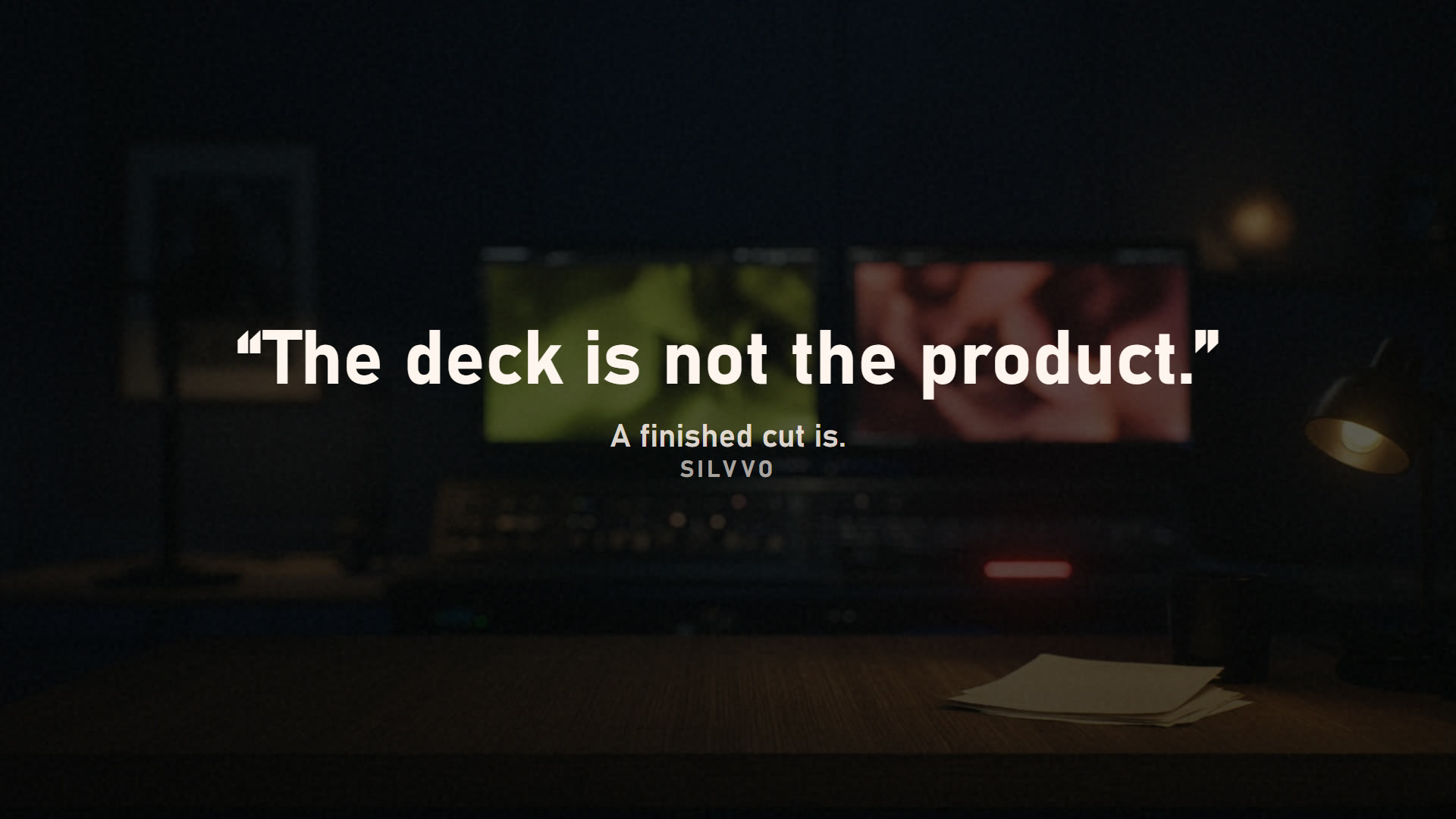
Quote frame from Silvvo
Comparison frame from Silvvo
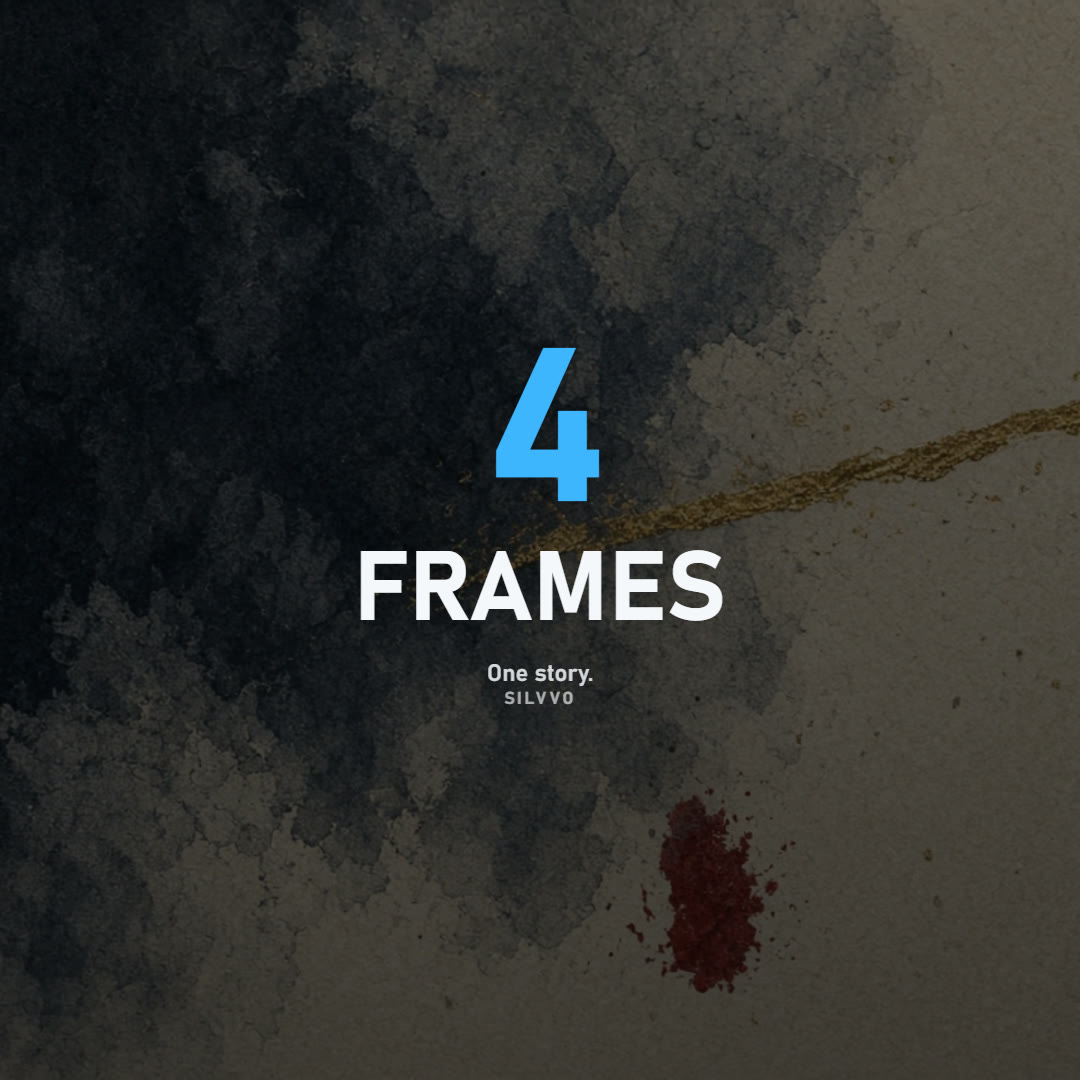
Stat frame from Silvvo

The opening line. Write it, speak it, finish the video.

How it works

Three steps. A finished video.

Write the idea, record your voice, share the file. The same mix in preview and download.

  1. 01

    Write the idea

    A sentence is enough. Silvvo reads a title, a quote, a number, a comparison, or a process — then designs the frame. You can still highlight a word and place the type.

  2. 02

    Record your voice

    Speak in the studio or upload a take. We tidy the recording, keep a short breath before the first word, and time the picture to your voice. Music can sit back so speech stays clear.

  3. 03

    Share the video

    One story becomes four sizes — landscape, portrait, square, and 4:5. What you play is what people download. A private link shows that video only. The rest of your work stays with you.

Use cases

Send a video. Skip the meeting.

A pitch, a lesson, a launch, a campaign, and a post. Write the moment once. Silvvo finishes the picture, the voice, and the file in the size you need.

Comparison beat for a pitch
01

Presentations

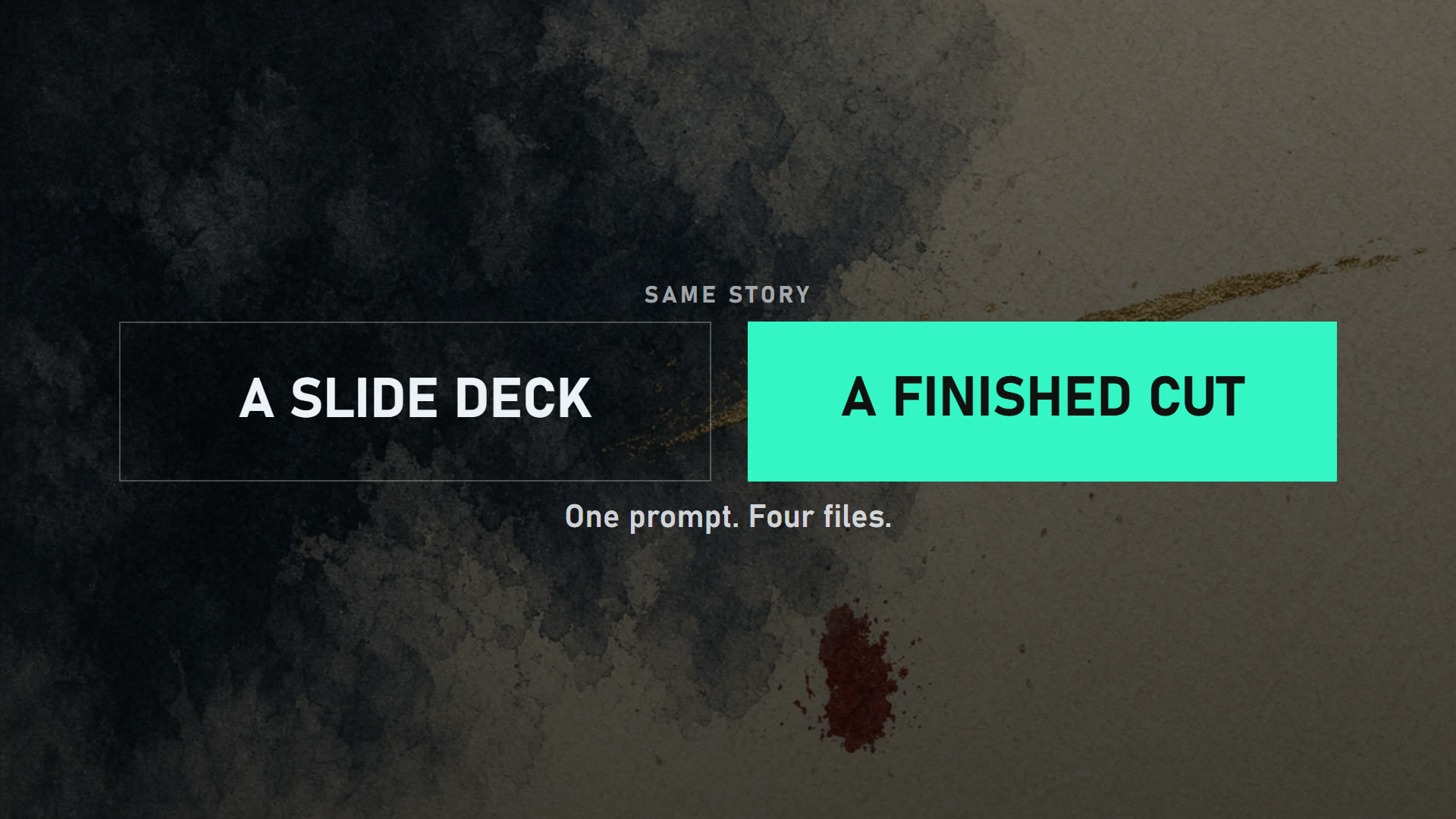
A slide deck still needs you in the meeting. A Silvvo video walks the argument — outcome, offer, proof — so someone can watch it twice. Send landscape to a board, portrait to a phone. Your other work stays private.
Process beat for a tutorial
02

Tutorials

Write the steps. Speak them. The picture follows your voice. Courses, onboarding, guides, and product walkthroughs become a video people finish — not a call they skip.

CTA beat for a promo
03

Promos

A title, a number, a before and after, a close. Product launches and offers that used to wait on an editor can go out the same afternoon — in your voice.

Stat beat for marketing
04

Marketing

Campaigns need the same story in four sizes. Write it once. Make 16:9 for the site, 1:1 for the feed, 4:5 for Instagram, 9:16 for stories. The sound stays the same.

Portrait beat for social
05

Social

Shorts, reels, carousels, and a quote that can stand alone. Moving type and a clean line beat a still with a caption. Post the file. You do not rebuild it for each app.

Print and card beat
06

Print & cards

The same prompt engine writes a flyer, visiting card, menu, ticket, coupon, letterhead, poster, or invite. Switch the family in Studio. Your video beats stay as they are.

One studio, many kinds of work.

Your work stays with you

Projects, voice, pictures, music you add, and finished videos live in your account. Another login cannot open them.

Share only what you choose

A private silvvo.bfyai.in link lets anyone watch or download that video. They do not see the rest of your work.

Video sizes, or print

Portrait, landscape, square, and 4:5 for motion. Flyer, visiting card, poster, and invite when you need a handout. Same beats. Pick the family.

16 by 9 frame
16:9
9 by 16 frame
9:16
1 by 1 frame
1:1
4 by 5 frame
4:5

Studio

Pick the file, then open the work.

Each screen is a different kind of finish. Click one and Silvvo opens already set to that file.

01MP4Video with sound

The default motion file.

02GIFSilent loop

A short sting that plays itself.

03PNGFinished stills

One complete beat per image.

04PDFPrint pack

Those stills as pages.

When a slide deck is not enough.

If it still needs you in the room, it is not finished. Silvvo makes a video you can post or send — and keeps the rest of your work private.

Start for free